FAQ
1 -
What functions does the Aircraft Management module serve in TAPS? arrow_drop_down
The Aircraft Management module in TAPS is essential for managing details related to aircraft manufacturers and models. Users can add, edit, or delete entries for manufacturers like Airbus and Boeing and models such as the A320 or B737. This module helps maintain a structured list of these entities, allowing users to specify the sequence order for display, ensuring that all aircraft-related information is systematically organized and easily accessible for reference in training and assignments.
2 -
What are Pending and Past Assignments in TAPS? arrow_drop_down
In TAPS, "Pending Assignments" refer to assignments that are currently active but not yet completed, allowing trainers and trainees to access crucial information and updates needed for ongoing tasks. The interface provides details such as location, times, and syllabus content. "Past Assignments" serve as a historical record of completed tasks, where users can review and reflect on their performances and the outcomes of their training activities. This section is essential for tracking progress and ensuring effective management of training experiences. Both modules help maintain a structured and efficient training environment, supporting continuous learning and assessment processes.
3 -
How does the Pending Assignment page facilitate assignment management for trainers and trainees? arrow_drop_down
The Pending Assignment page serves as a centralized interface where both trainers and trainees can access critical information about ongoing assignments. This page features view cards that provide details on location, start and end times, associated events, and syllabuses. For trainers, this setup aids in efficiently grading and assessing trainee performance, while trainees receive personalized information that helps them prepare and understand their roles and expectations in upcoming training sessions.
4 -
What is the purpose and functionality of the Syllabus Playground? arrow_drop_down
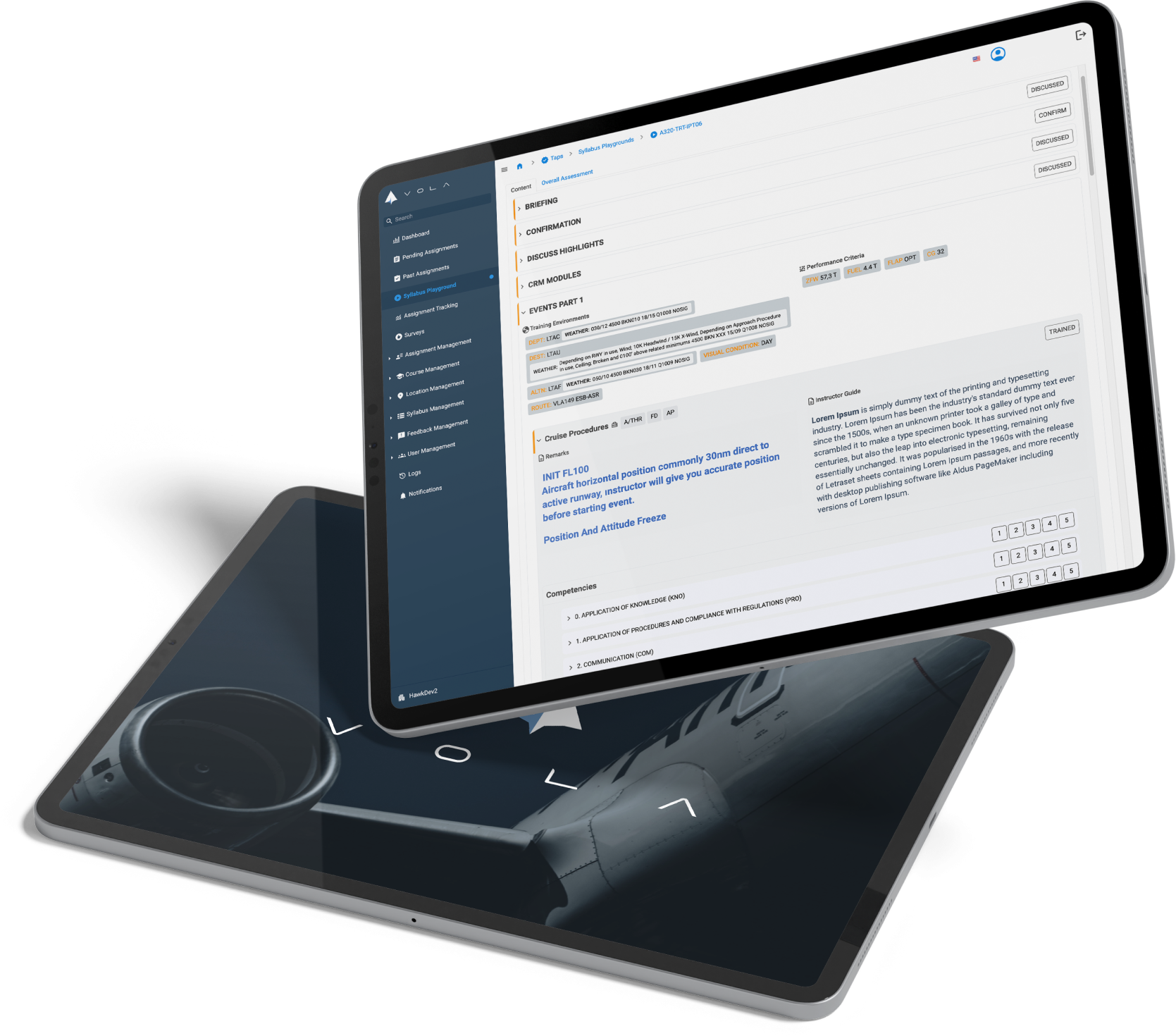
The Syllabus Playground is a dynamic tool designed to allow trainers to test and optimize grading strategies across different sections of a syllabus. By using this feature, trainers can make real-time adjustments to grading approaches and assess the potential impacts on trainee assessments. This interactive environment supports trainers in enhancing their grading accuracy and understanding of the syllabus, ultimately leading to more effective training outcomes.
5 -
How is the Course Management module utilized in TAPS? arrow_drop_down
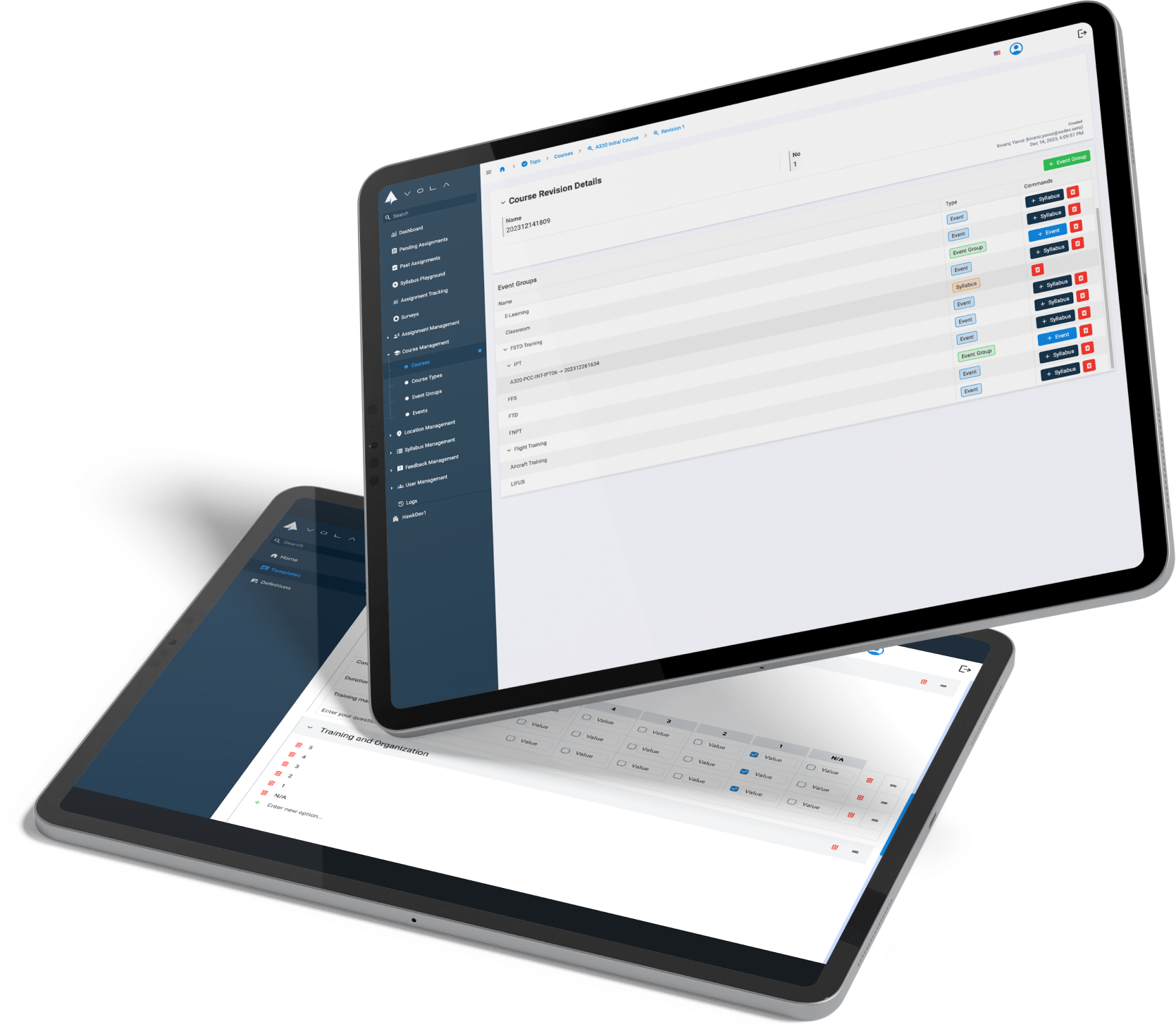
In TAPS, the Course Management module facilitates the creation and customization of training courses. Users can add new courses, edit existing ones, or delete outdated entries. This module supports the incorporation of parent courses for organizational purposes and allows for the addition of events and event groups, providing a flexible and robust framework for building comprehensive training programs that meet evolving educational needs.
6 -
What role does Feedback Management play in TAPS and how is it implemented? arrow_drop_down
Feedback Management in TAPS plays a pivotal role in evaluating and improving training outcomes. This module allows for the creation of syllabus evaluations, grading scales, and decisions that directly affect how training results are measured and interpreted. By managing feedback systematically, TAPS ensures that both instructors and trainees receive timely and constructive feedback that can be used to refine teaching methods and learning processes, ultimately enhancing the overall quality of the training program.
7 -
Can you explain the functionalities of the Evaluations Options within the Feedback Management module? arrow_drop_down
The Evaluations Options component of the Feedback Management module is crucial for overseeing syllabus evaluations. Users can add new evaluation methods, edit existing ones, or remove those no longer applicable. Each evaluation option can be tailored with specific details, such as the evaluation's name and its display sequence in the system. This module ensures that all evaluations are standardized and consistent, facilitating accurate assessments of trainee performances and syllabus efficacy.
8 -
What does the User Management module manage within TAPS? arrow_drop_down
User Management in TAPS focuses on synchronizing user information with the main system and managing detailed profiles, including qualifications and ranks of instructors and users. This module enables the administration to keep track of all personnel involved in the training processes, ensuring that all instructor qualifications, such as for Ground Instructors or Flight Instructors, are up-to-date and clearly documented. It also helps in assigning appropriate ranks and tracking the expiration of qualifications, critical for maintaining high training standards.
9 -
Describe the process and importance of managing Locations in TAPS. arrow_drop_down
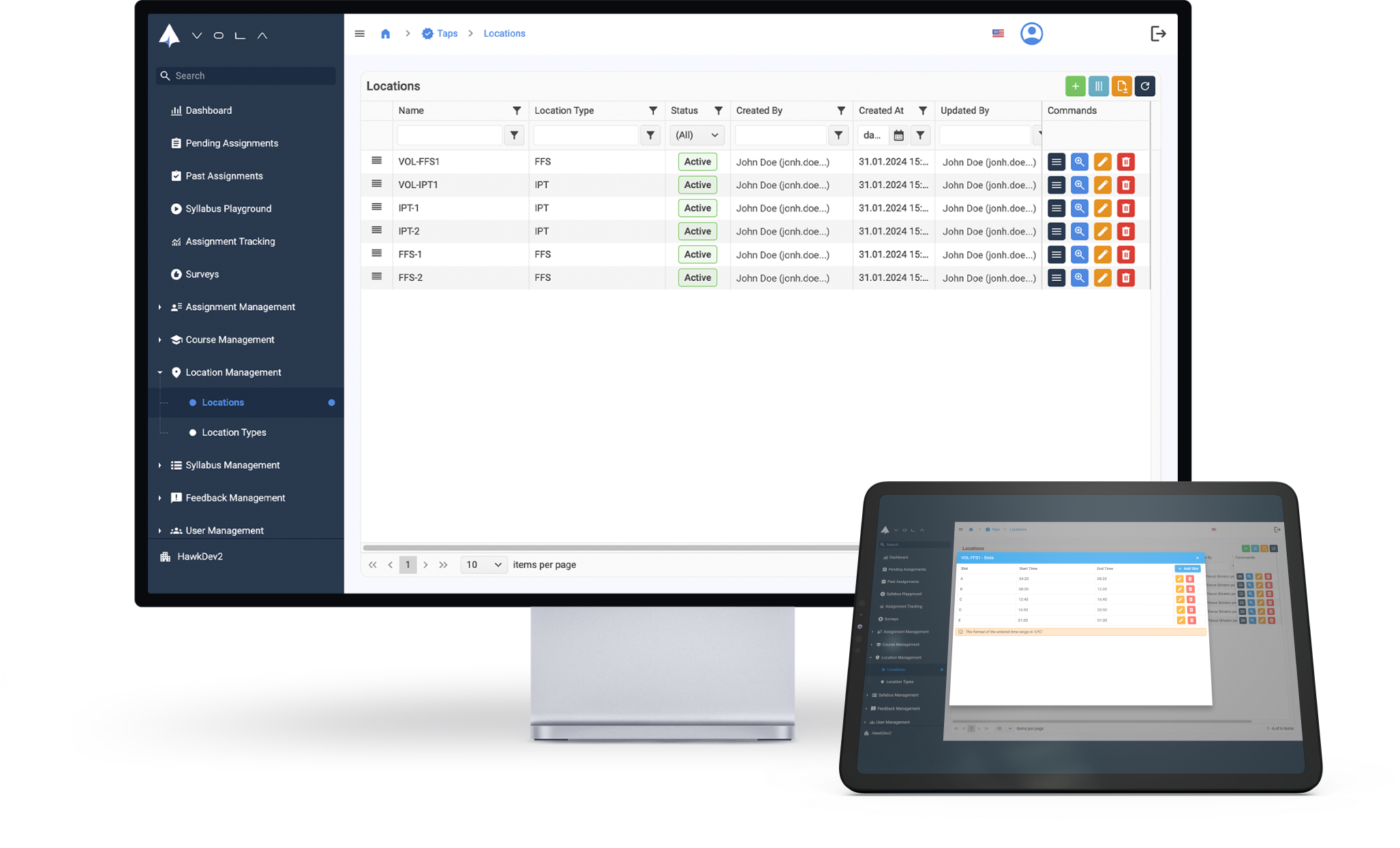
The Location Management module in TAPS is critical for the organization and allocation of physical training facilities. Users can manage a variety of location types, including classrooms, integrated procedure trainers (IPTs), full flight simulators (FFSs), and aircraft, by adding new locations or modifying existing ones. The module ensures that each location is appropriately categorized and available for specific training events, facilitating effective logistical planning and optimizing space utilization for various training activities.
10 -
How does the Assignment Tracking page enhance assignment management? arrow_drop_down
The Assignment Tracking page in TAPS is designed to provide administrators with a comprehensive overview of the status and progress of all assignments within the system. This page tracks each assignment from its creation through various stages such as submission, approval, and completion. Administrators can see at a glance the current status of assignments, making it easier to manage workflows, address bottlenecks, and ensure timely completion of training tasks. This functionality is key to maintaining efficiency and oversight in a dynamic educational environment.
11 -
What are the functionalities of the User Assignment section in TAPS? arrow_drop_down
The User Assignment section in TAPS provides a user-friendly interface for administrators to manage and review assignments. This section displays critical details such as start and end times, locations, and participant names, making it easier for administrators to oversee and coordinate various aspects of training assignments. This centralized management helps in ensuring that assignments are accurately scheduled and executed, supporting efficient administration and monitoring of training activities.
12 -
What capabilities does the Syllabus Management module offer? arrow_drop_down
The Syllabus Management module is a central feature of TAPS that facilitates the detailed planning and execution of educational content. It allows users to create and revise syllabuses, incorporating various types of educational content such as sections, items, competencies, and performance criteria. Each syllabus can be tailored to specific training needs by integrating relevant aircraft models and systems, making it a versatile tool for generating assignments and aligning them with course events. This module ensures that training is systematic, comprehensive, and aligned with the trainees' learning objectives.
13 -
Can you describe the process and importance of managing Competencies in TAPS? arrow_drop_down
Managing competencies within TAPS involves defining and categorizing key skills and behaviors that trainees need to demonstrate during their training programs. The Competencies module allows users to add, edit, or delete competencies, and define associated observable behaviors that can be assessed during training. This structure supports the development of specific skills sets, ensuring that assessments are comprehensive and aligned with industry standards and training goals. It is essential for maintaining the quality and relevance of the training offered.
14 -
How are Equipment and Training Environments managed in TAPS? arrow_drop_down
The management of Equipment and Training Environments in TAPS is crucial for ensuring that all physical and virtual training tools are available and properly maintained. Users can add equipment specific to syllabus items and manage different types of training environments, from simulators to actual aircraft, ensuring that each training session is fully equipped with the necessary resources. This management helps in creating a realistic and effective learning environment, crucial for practical training scenarios.
15 -
How does TAPS use AI? arrow_drop_down
TAPS employs artificial intelligence to analyze instructor evaluations and convert them into detailed, actionable insights. This AI functionality categorizes feedback into positive or negative, aiding in the precise adjustment of training methods. It also generates performance metrics and trends, offering a clear view of a trainee's progress over time. The system personalizes training by pinpointing specific areas for improvement, optimizing learning outcomes for each pilot. Overall, TAPS uses AI to enhance training efficiency, accuracy, and engagement through advanced data analysis and personalized feedback mechanisms.